

 Command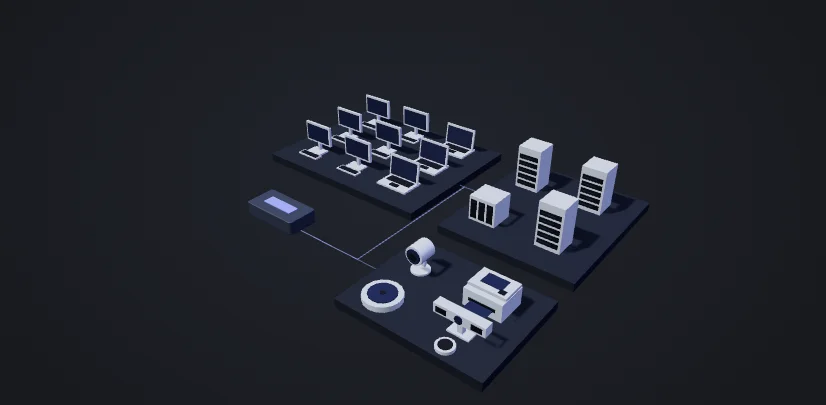
Recorded activity
See what has been tested and what the evidence shows.
- Discovery17 machines identified
Workstations, servers, and connected devices.
- TestingIP camera
Configuration exposed without a password.
- EvidenceFinding recorded
Administrator password recovered.
See the machines and networks in your environment, together in one view.
Your environment.
Under your command.
Run autonomous security testing on your terms. Move devices where you need them, explore the evidence, and direct what happens next.
Where you test.
When you choose.
Move a device to the next environment, or deploy a fleet.
Set the scope. Start when you’re ready, or schedule the work.
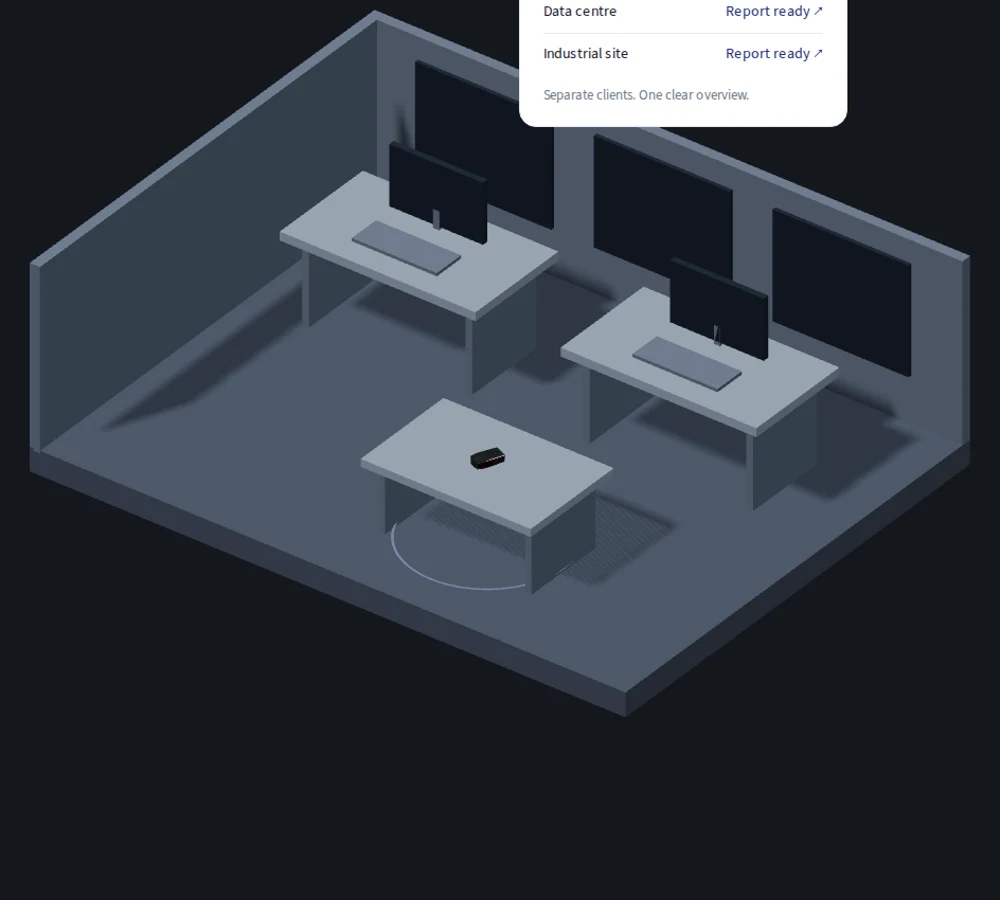
Your office. Your servers. Your industrial sites.
Use on-site devices or approved VPN access. Choose what to test in Command.
Your judgement.
Autonomous execution.
From the mission you set to the evidence you deliver.
Operations · Maintenance networkSetup
Your mission and the boundaries for testing.
Mission
Investigate management access within the maintenance network. Record confirmed access and what remains unverified.
Scope
Excluded: systems outside this engagement.
Set the direction.
Choose the scope, mission and device. Keep testing within the rules you agree.
Interactive product preview. Fictional engagement and shortened testing times.
Your toolkit.
Where you need it.
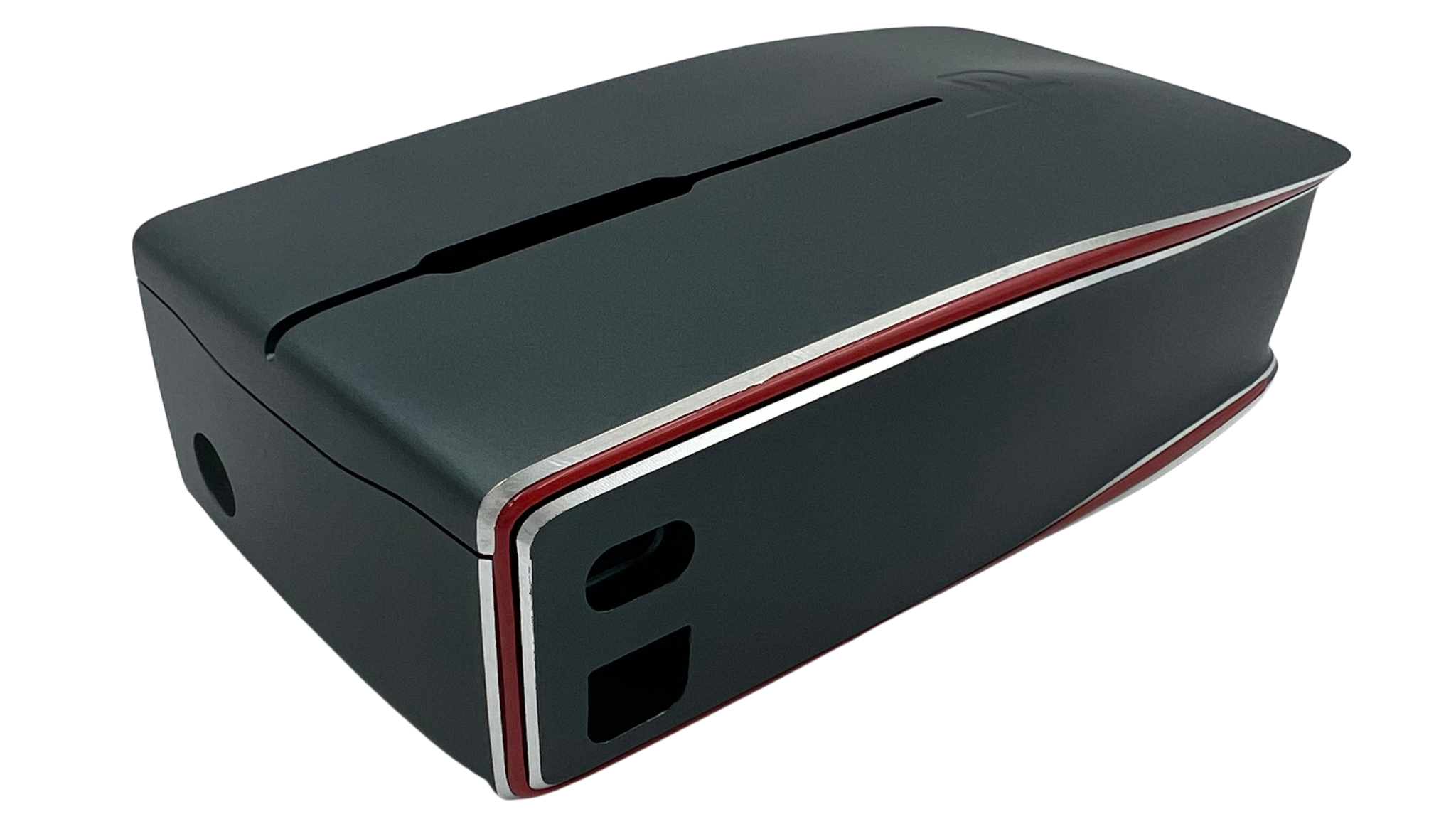
Real tools.
Autonomous testing.
Security tools used by penetration testers. Observe traffic, test access and follow confirmed footholds within your agreed scope. Direct the investigation and inspect the evidence from Command.
One device. Or a fleet.
Move a device between sites or deploy a fleet. Assign the network and mission, then start testing or book a time block in Command.
Always kept up to date.
Over-the-air updates keep the device software and testing tools current.
Put your next investigation
under your command.
Your environments, your clients’ environments, or both.
Prefer the testing handled for you?